Buy Webcam for Meetings and Streaming Online
If you are planning to buy webcam for meetings and streaming online, you are probably confused by all the options available today. I completely understand when I first searched for a webcam, I saw terms like 720p, 1080p, 4K, autofocus, HDR, FPS, and I had no idea what actually mattered.
So in this detailed guide, I Will explain:
- What to check before buying
- Which features are important for meetings
- What streamers really need
- How much you should spend
- Where to buy safely online
- Mistakes to avoid
By the end you Will feel confident about making the right purchase.
Why More People Buy Webcam for Meetings and Streaming Online Today
The way we work and communicate has changed. Many of us attend daily meetings on:
- Zoom
- Google Meet
- Microsoft Teams
And many creators stream on:
- YouTube
- Twitch
A good external webcam improves:
- Video clarity
- Professional image
- Confidence
- Engagement
Laptop cameras are usually basic. If you want to look sharp and clear, an external webcam is a smart upgrade.
What to Know Before You Buy Webcam for Meetings and Streaming Online
1. Understand Resolution (This Is Important)
Resolution means how clear your video looks.
- 720p (HD) – Basic quality
- 1080p (Full HD) – Best balance for most users
- 4K (Ultra HD) – Professional content creators
If you attend office meetings daily, 1080p is more than enough.
If you stream regularly or record videos, 1080p at 60fps or 4K is better.
2. Frame Rate (FPS)
FPS = Frames Per Second.
- 30fps → Smooth for meetings
- 60fps → Better for streaming and fast movement
If you move your hands while talking or stream gaming sessions, higher FPS makes video smoother.
3. Autofocus vs Fixed Focus
When I bought my first webcam, I ignored this feature — big mistake.
Autofocus adjusts automatically when you move.
Fixed focus stays locked at one distance.
If you:
- Move while speaking
- Show products
- Sit at different distances
Autofocus is very helpful.
4. Low-Light Performance
Many of us attend meetings in the evening or in rooms without strong lighting.
Look for:
- Automatic light correction
- HDR (High Dynamic Range)
- Larger image sensor
This helps your face look bright and clear even in low light.
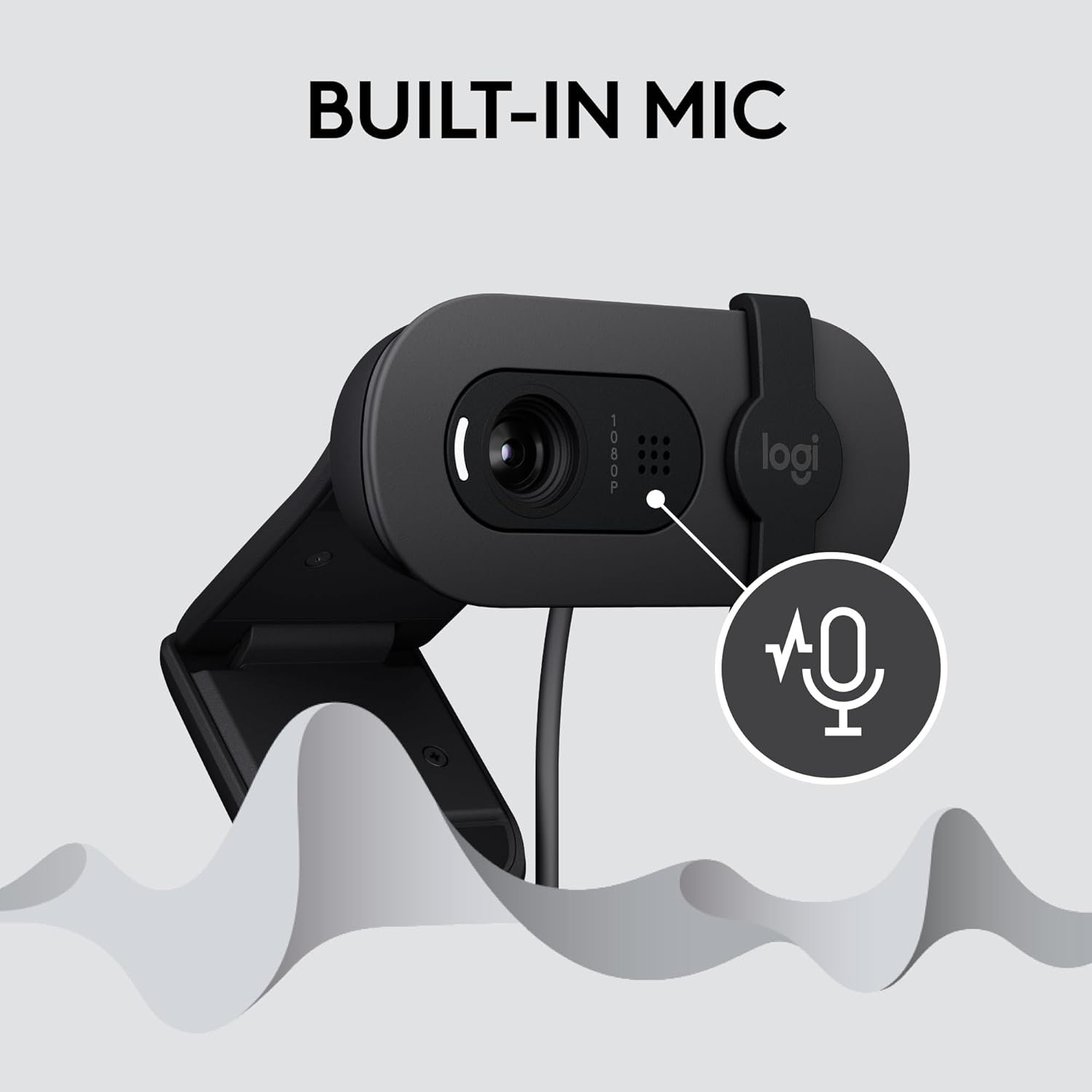
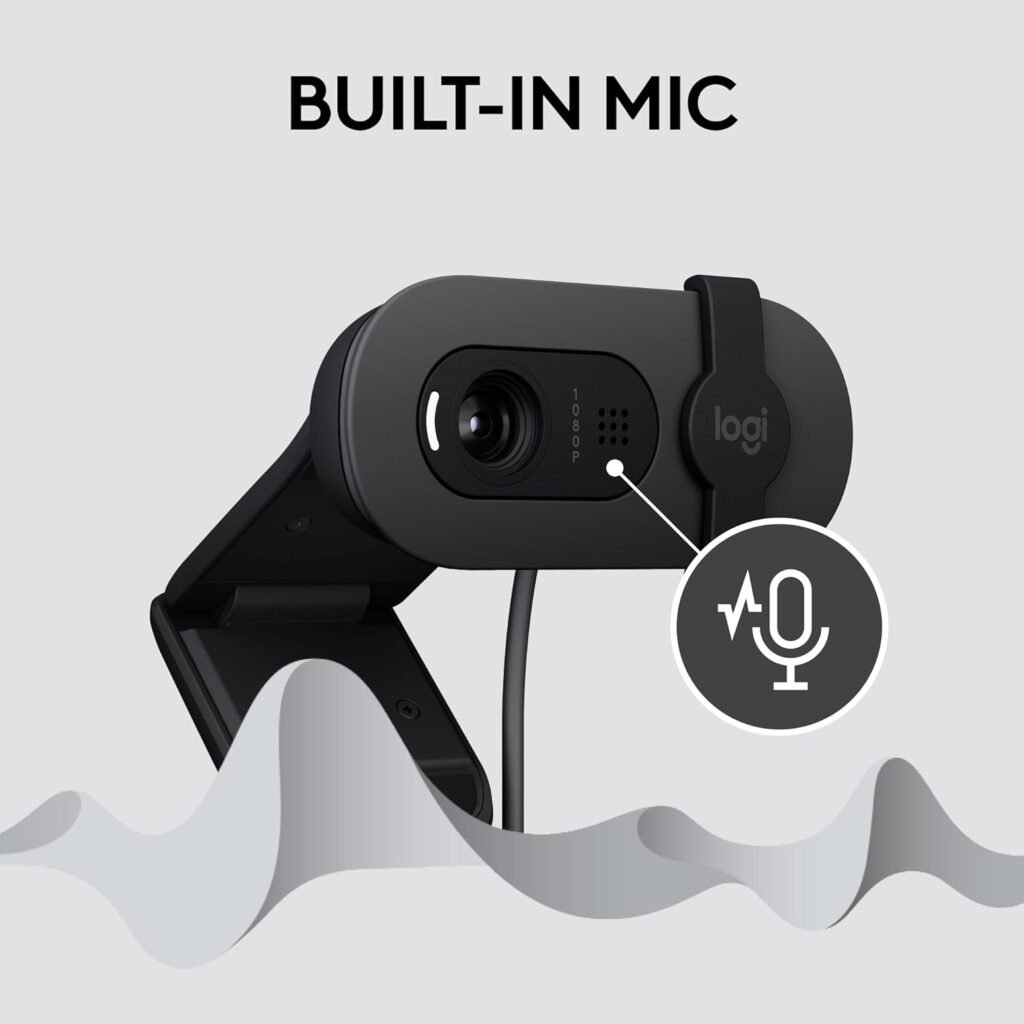
5. Built-in Microphone Quality
Most webcams come with built-in microphones.
They are fine for:
- Office calls
- Online classes
But if you want professional streaming, I recommend using a separate USB microphone.
Best Webcams You Can Buy Online
Here are beginner-friendly and trusted options.
1. Logitech C920
This is one of the most popular choices worldwide.
Why people love it:
- 1080p Full HD
- Autofocus
- Dual microphones
- Reliable performance
Best for:
Video calls
Office meetings
Online teaching
2. Logitech Brio
Premium option.
Features:
- 4K resolution
- HDR support
- Windows Hello compatibility
Best for:
High-quality recordings
Professional YouTube creators
Business presentations
3. Razer Kiyo
Great for streaming.
Why?
It includes a built-in ring light. That means better lighting without extra accessories.
Perfect for:
Gaming setups
Twitch streamers
Content creators
4. HP 320 FHD Webcam
Budget-friendly option.
- 1080p
- Simple plug-and-play
- Affordable
Ideal for students and beginners.
Where to Buy Webcam for Meetings and Streaming Online Safely
When buying online, always check:
1. Seller Ratings
Choose trusted sellers with good reviews.
2. Warranty
Look for at least 1-year warranty.
3. Return Policy
Important in case of defects.
4. Customer Reviews
Read real user feedback.
5. Official Websites
Buying from brand-authorized stores reduces risk.
How Much Should You Spend?
Here’s a simple guide:
- Basic meetings → Budget webcam
- Work from home professional → Mid-range
- Streaming or content creation → Premium
Remember:
Don’t overspend if you only attend meetings.
Don’t underspend if you stream regularly.
Do You Really Need 4K?
Many people ask me:
“Should I buy 4K webcam for meetings?”
Honestly, most platforms compress video. Even Zoom limits resolution depending on plan and settings.
So 1080p is enough for most users.
4K is useful if:
You want ultra-sharp quality
You record YouTube videos
You crop video
Webcam Setup Guide
Even the best webcam looks bad if setup is wrong.
Here’s what I personally follow:
Place Webcam at Eye Level
Face Natural Light (Window)
Use Clean Background
Avoid Bright Light Behind You
Test Before Joining Meeting
Small adjustments make a huge difference.
Common Mistakes to Avoid When Buying Online
Not checking compatibility with Windows or Mac
Choosing cheapest option without reviews
Ignoring lighting setup
Buying 4K without good internet
Forgetting warranty
1. Where can I buy webcam for meetings and streaming online?
You can buy from trusted e-commerce platforms or official brand websites. Always check seller ratings and warranty details.
2. Is 1080p webcam enough for Zoom meetings?
Yes. 1080p is more than enough for professional video calls and meetings.
3. Which is better: built-in laptop camera or external webcam?
External webcam is better because it offers higher resolution, autofocus, and improved light correction.
4. How do I know if my internet supports streaming?
Check your upload speed. For 1080p streaming, you need at least 3–5 Mbps upload speed.