Best Cleaning Set for PC and Laptop Screens
If you are searching for the best cleaning set for PC and laptop screens, you probably noticed dust, fingerprints, or smudges on your display. I’ve been there too. One day I looked at my laptop screen under sunlight and realized it was full of marks I didn’t even notice before.
We use our computers daily — for work, study, gaming, movies, and meetings. But how often do we clean the screen properly?
Most people:
- Use tissue paper
- Spray glass cleaner
- Wipe with their shirt
- Or ignore it completely
That can actually damage modern screens.
In this complete guide, I’ll explain:
- Why proper screen cleaning matters
- What a good cleaning set should include
- How to clean safely
- What mistakes to avoid
- How to maintain your display long-term
Let us start with the basics.
Why Proper Screen Cleaning Is Important
Modern PC monitors and laptop screens are not made of simple glass. They include:
- LCD panels
- LED backlighting
- IPS technology
- OLED layers
- Anti-glare coatings
You can learn about LCD and OLED display technology on Wikipedia.
These screens are sensitive. Using harsh cleaners can:
- Damage anti-glare coating
- Cause permanent streaks
- Create micro-scratches
- Affect brightness and color
That is why choosing the best cleaning set for PC and laptop screens is important.
What Is the Best Cleaning Set for PC and Laptop Screens?
A proper screen cleaning kit usually includes three main components:
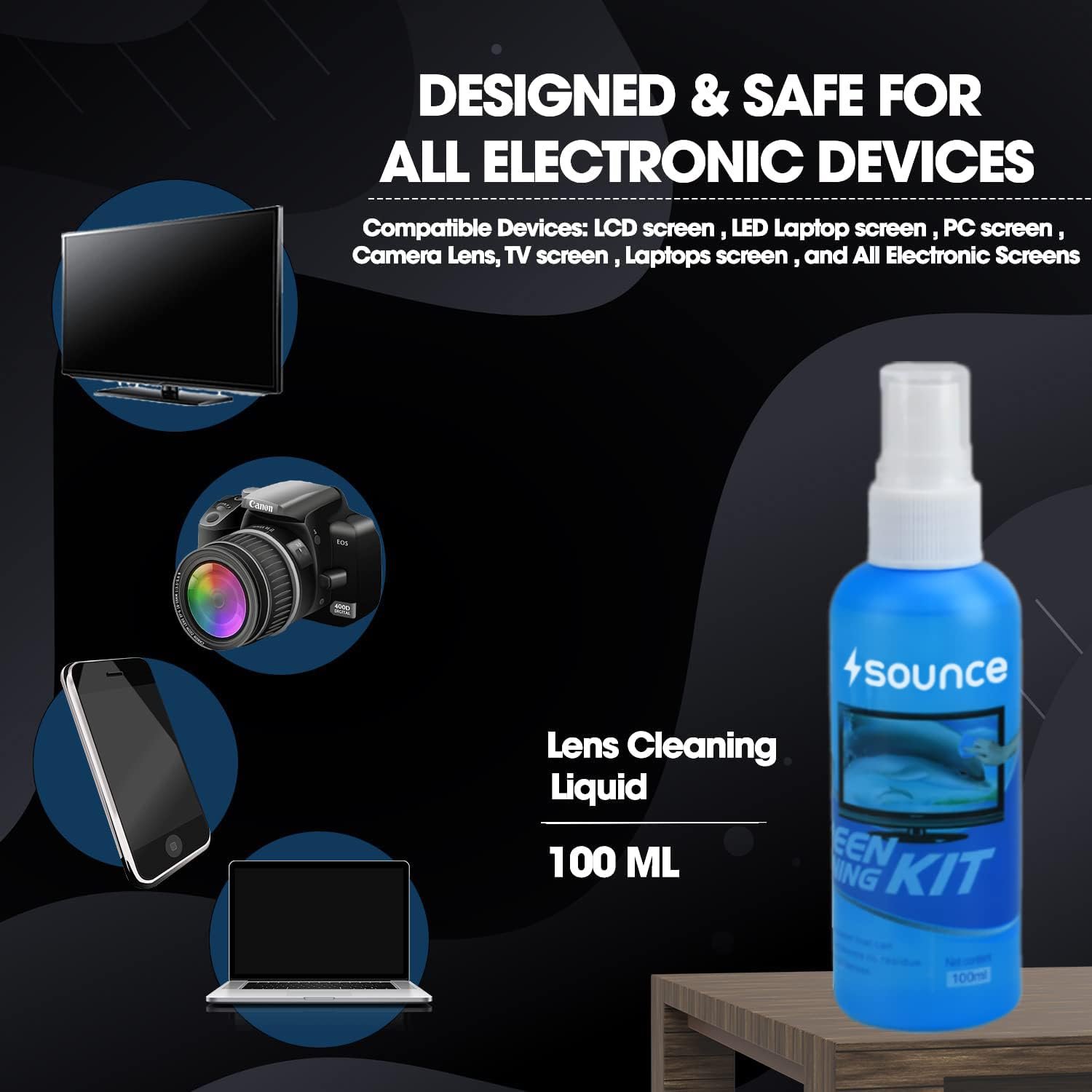
1. Screen-Safe Cleaning Solution
This solution should be:
- Alcohol-free
- Ammonia-free
- Non-toxic
- Streak-free
Regular glass cleaners contain chemicals that are too strong for electronic displays.
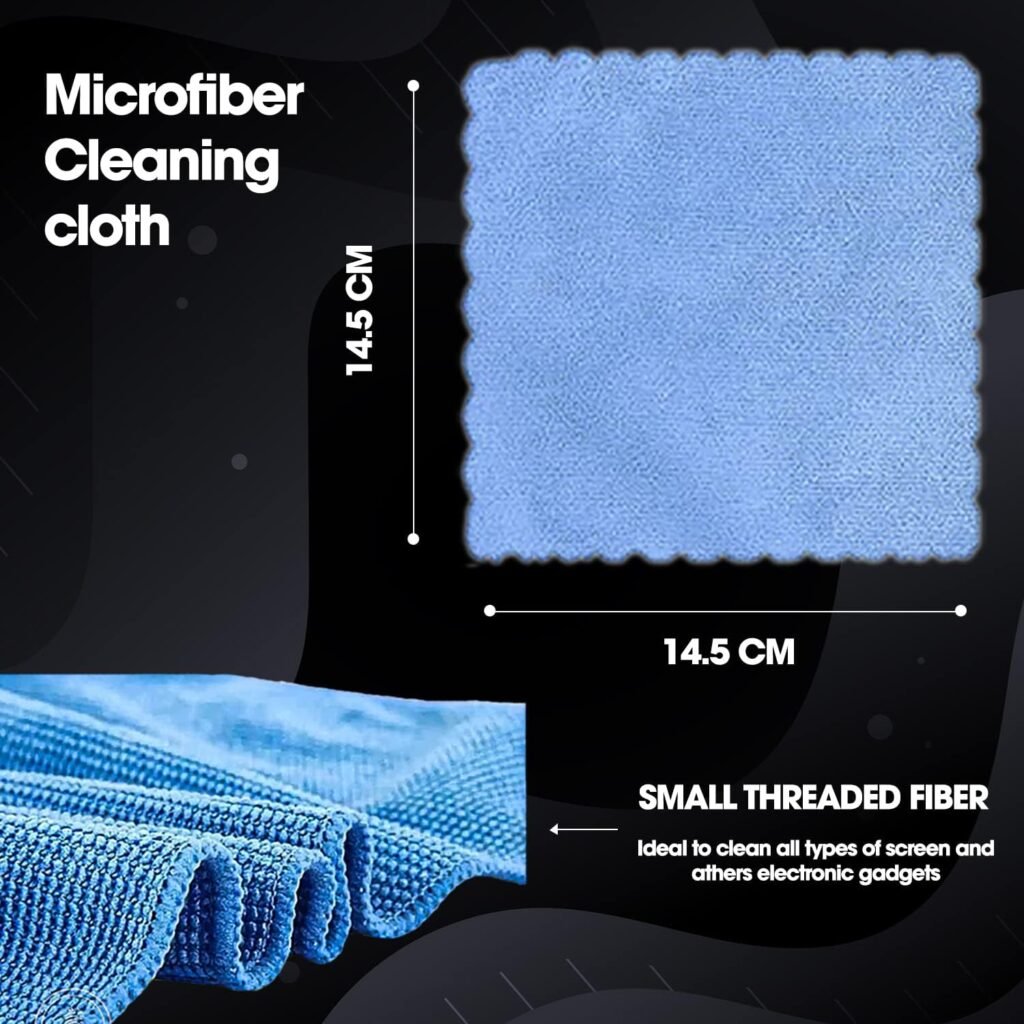
2. Microfiber Cloth
Microfiber is designed for delicate surfaces.
You can read about microfiber material on Wikipedia.
Why microfiber?
- It traps dust particles
- It prevents scratches
- It leaves no lint
- It reduces static
Paper towels and tissues are too rough.
3. Soft Dusting Brush or Air Blower
Before wiping the screen, it’s important to remove loose dust.
Dust particles can act like sand when rubbed across the screen.
Why You Should Use a Dedicated Screen Cleaning Kit
You might ask, “Why can’t I just use water?”
Here is why.
1. Water Alone May Leave Streaks
Tap water contains minerals that can leave marks.
2. Harsh Chemicals Can Damage Screens
Many window cleaners contain ammonia. According to general surface care guidelines, ammonia can degrade certain coatings.
3. Microfiber Is Safer Than Cloth or Tissue
Regular cloth may scratch delicate coatings.
How to Choose the Best Cleaning Set for PC and Laptop Screens
Check the Ingredients
Always confirm the solution is:
Safe for LCD/LED/OLED
Alcohol-free
Ammonia-free
Look for Anti-Static Formula
Anti-static cleaning solution helps reduce dust buildup.
This keeps your screen cleaner for longer.
Check Cloth Quality
A good microfiber cloth should:
- Feel soft
- Not shed fibers
Be washable and reusable
Check Bottle Design
Spray bottle should:
- Deliver fine mist
- Not leak
- Be easy to control
Never spray directly on screen. Always spray on cloth.
How to Clean PC and Laptop Screens Safely
Let me explain the correct method.
Turn Off Your Device
Always power off your PC or laptop before cleaning.
Why?
It prevents streaking
You see dust clearly
It reduces risk of electrical issues
Remove Loose Dust
Use:
- Soft brush
- Air blower
Gently remove surface dust.
Spray Solution on Cloth
Never spray directly on screen. Spray on microfiber cloth first.
Wipe Gently in Circular Motion
Use light pressure.
Avoid:
Using sharp objects
Scrubbing
Pressing hard
Let It Air Dry
Wait a few seconds before turning device on.
Common Mistakes to Avoid
Let me share what many people do wrong.
Using paper towels
Using glass cleaner
Cleaning while screen is hot
Spraying liquid directly on display
Pressing hard on the panel
Modern displays are delicate.
How Often Should You Clean Your Screen?
This depends on usage.
How Often Should You Clean Your Screen?
This depends on usage.
Light Use (Home Use)
Once every 2–3 weeks
Office or Daily Work Use
Weekly light cleaning
Gaming or Studio Setup
- Weekly cleaning recommended
Dust accumulation can reduce clarity and increase eye strain.
Benefits of Using the Best Cleaning Set for PC and Laptop Screens
When I clean my monitor properly, I notice:
- Sharper image clarity
- Less glare
- Reduced eye strain
- Better overall viewing experience
It also helps extend screen life.
Is It Safe for Touchscreens?
Yes, if the solution is:
- Designed for electronics
- Alcohol-free
- Non-abrasive
Touchscreens have extra layers that require gentle care.
Can Cleaning Improve Screen Performance?
While cleaning does not change internal performance, it improves:
- Visibility
- Brightness perception
- Color accuracy perception
Dust can scatter light and reduce clarity.
Where to Buy a Reliable Cleaning Set
You can find quality screen cleaning kits on:
- Amazon
- Flipkart
Before buying:
Check reviews
Confirm product description
Avoid extremely cheap options
Compare seller ratings
Can Cleaning Damage My Laptop Screen?
Yes, if done incorrectly.
Risky practices include:
- Using alcohol
- Using ammonia-based cleaners
- Scrubbing aggressively
- Using rough fabric
Always use screen-safe cleaning products.
What About OLED Screens?
OLED screens are even more sensitive than LCD.
You can read about OLED technology on Wikipedia.
Always use minimal pressure and safe cleaning solutions.
1. What is the safest way to clean a laptop screen?
Turn it off, use a microfiber cloth, and apply alcohol-free screen cleaning solution gently.
2. Can I use water to clean my PC monitor?
Distilled water is safer than tap water, but a dedicated screen cleaning solution is better.
3. How often should I clean my laptop screen?
Every 1–3 weeks depending on usage and dust exposure.
4. Is it okay to use glass cleaner on monitors?
No. Glass cleaners often contain ammonia, which can damage anti-glare coatings.
Choosing the best cleaning set for PC and laptop screens is not just about appearance it is about protecting your investment.
Your monitor or laptop screen is one of the most important parts of your device. Proper cleaning:
- Maintains clarity
- Reduces glare
- Prevents scratches
- Improves comfort
- Extends lifespan
A small investment in the right cleaning kit can prevent expensive repairs later.