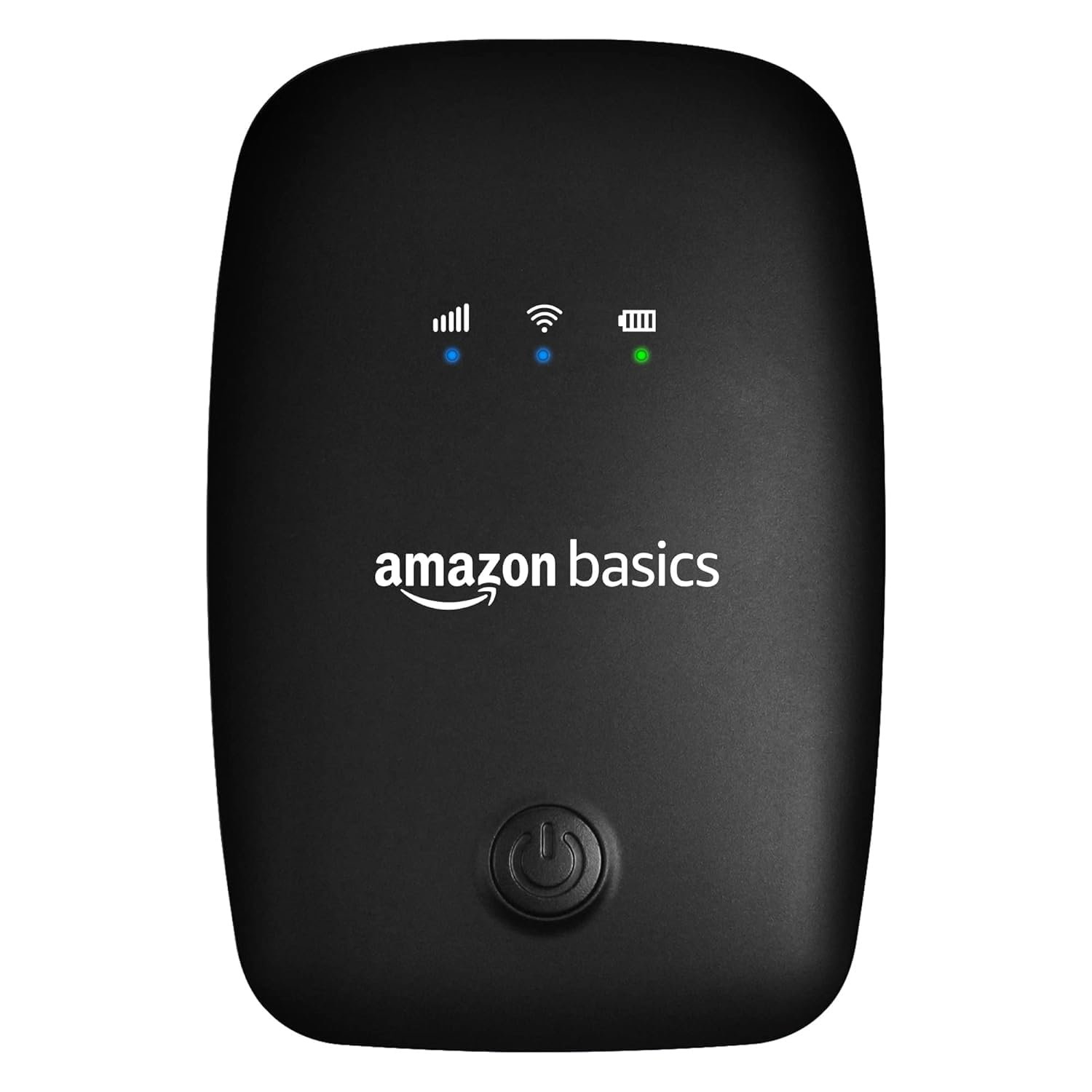
Affordable Wireless Dongle with All SIM Network
You are searching for an affordable wireless dongle with all SIM network, you are probably wondering:
- How can I get internet without installing broadband?
- Will it work with any SIM card?
- Is it really budget-friendly?
- How do I choose the right one?
I had the same doubts when I first looked for a portable internet solution. I did not want expensive fiber installation. I didn’t want long-term contracts. I just wanted something simple, flexible, and affordable.
I will explain everything step by step in simple English so you can confidently choose the right wireless dongle for your needs.
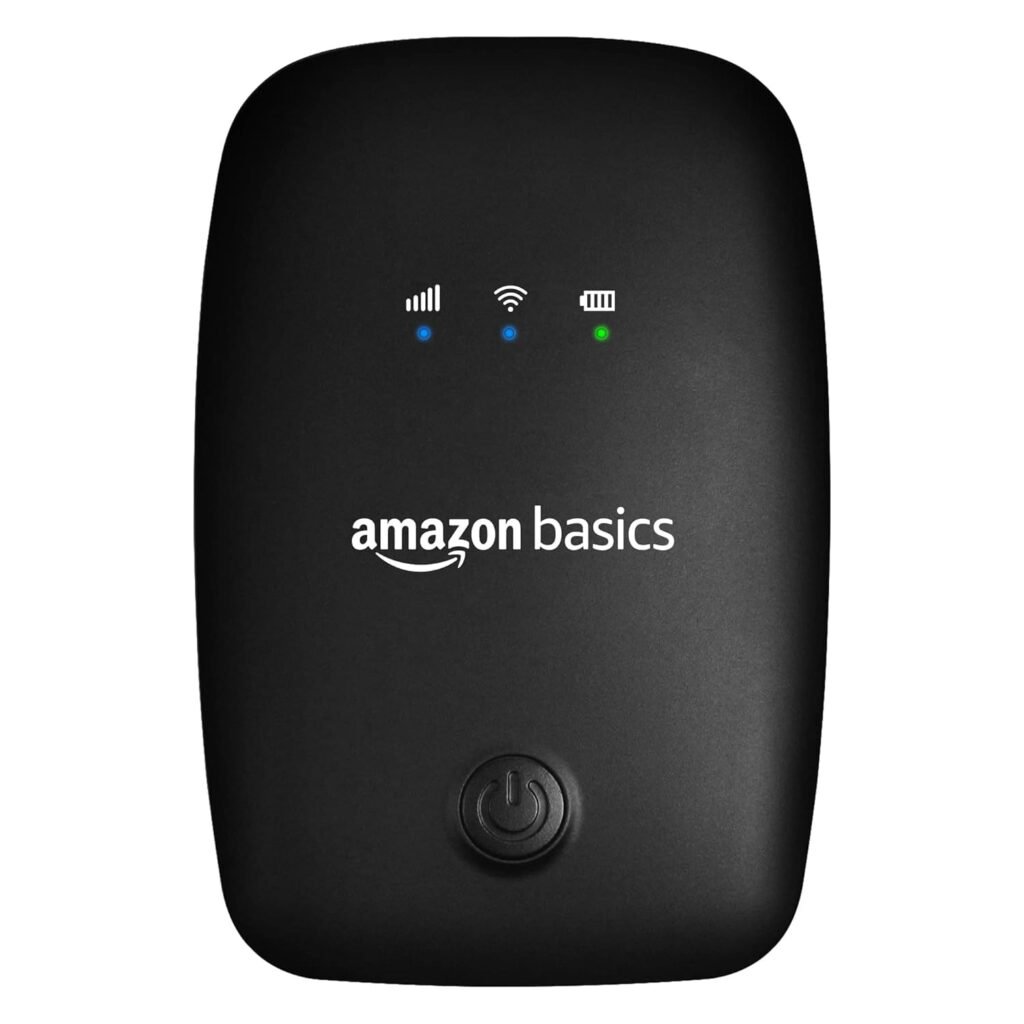
What Is a Wireless Dongle and How Does It Work?
A wireless dongle is a small USB device that allows your laptop or desktop computer to connect to the internet using a SIM card. It works through mobile networks, just like your smartphone.
The technology behind this is called LTE (Long Term Evolution), which is widely used for high-speed wireless communication.
How I Use a Wireless Dongle
Here is how it usually works:
- Insert a 4G SIM card into the dongle.
- Plug it into your laptop’s USB port.
- The device connects to the nearest mobile tower.
- You get instant internet access.
No wires. No router. No technician visit.
That is why many students remote workers and travelers prefer this option.
Why Choose an Affordable Wireless Dongle with All SIM Network Support?
When we say “affordable,” we don’t just mean cheap. We mean:
- Budget-friendly price
- Reliable performance
- Low maintenance cost
- Flexibility to use different SIM cards
When we say “all SIM network,” we mean the device should work with major operators like:
- Airtel
- Jio
- Vi (Vodafone Idea)
- BSNL
But here is something important.
“All SIM support” only works if:
- The device is unlocked
- It supports the correct LTE frequency bands
In India common LTE bands include Band 3, Band 5, and Band 40. You can verify telecom regulations on the official website of the Telecom Regulatory Authority of India.
If your dongle does not support these bands, speed may be slow even if the SIM works.
Affordable Wireless Dongle with All SIM Network – What Features Should You Check?
Before buying I always check these important features. You should too.
1. Unlocked SIM Compatibility
This is very important.
Some dongles are locked to one network. That means you cannot switch SIM providers.
An unlocked device allows you to:
- Change SIM cards anytime
- Use prepaid or postpaid plans
- Switch networks if signal is weak
Flexibility is key.
2. LTE Speed Category
Most budget dongles come with CAT4 LTE support (up to 150 Mbps).
For normal usage like:
- YouTube streaming
- Zoom meetings
- Online classes
- Web browsing
CAT4 is more than enough.
You do not need expensive high-speed categories unless you do heavy downloads.
3. Plug-and-Play Setup
An affordable wireless dongle with all SIM network should be easy to use.
Look for:
- Automatic driver installation
- Windows and macOS support
- Quick connection
If setup is complicated, it’s not beginner-friendly.
4. Portable and Durable Design
Since it is portable:
- It should be lightweight
- The USB connector should be strong
- It should not overheat easily
Budget devices sometimes compromise build quality so read reviews carefully.
5. WiFi Sharing Option (Optional Feature)
Some dongles also act as mini WiFi hotspots.
This is useful if:
- You want to connect multiple devices
- You travel with family
- You use both phone and laptop
If you only use a laptop, USB-only models are fine.
How Fast Is an Affordable Wireless Dongle?
Speed depends on:
- Network coverage
- Signal strength
- Area congestion
- Data plan
In a good 4G area, you may get:
- 10 to 40 Mbps download speed
- 5 to 15 Mbps upload speed
That is enough for daily work and entertainment.
If you want to understand how wireless communication standards work globally, you can explore information on Federal Communications Commission.
Wireless Dongle vs Mobile Hotspot – Which One Should You Choose?
Many people ask me:
“Why buy a dongle when I can use my phone hotspot?”
Mobile Hotspot
Pros:
- No extra device
- Easy to enable
Cons:
Reduces phone lifespan
Wireless Dongle
Pros:
- Dedicated internet device
- More stable for long hours
- No phone battery drain
- Better for work and study
If you use internet for long sessions, a dongle is more reliable.
Who Should Buy an Affordable Wireless Dongle?
You should consider it if you are:
- A student attending online classes
- A remote worker
- Living in rented accommodation
- Staying in rural areas
- Needing backup internet
- Avoiding expensive broadband installation
It’s especially helpful where fiber internet is not available.
Check Network Coverage in Your Area
Ask yourself:
- Which SIM works best in my area?
- Do I travel frequently?
Check coverage maps on your network provider’s website.
Compare Reviews and Ratings
Look for:
- Stable connectivity
- Heating complaints
- Real customer feedback
- Warranty support
Avoid unknown brands with zero reviews.
Compare Price and Features
Instead of choosing the cheapest option, check:
- LTE band compatibility
- Unlocked support
- Warranty period
Affordable means good value, not just low price.
Choose the Right Data Plan
Even the best affordable wireless dongle with all SIM network won’t work well with a poor data plan.
Choose:
Good speed reviews
Security Advantages of Using Your Own Dongle
Public Wi Fi networks can be risky.
Cybersecurity experts warn about unsecured connections and data theft. You can read more about internet security from Cybersecurity and Infrastructure Security Agency.
Using your own SIM-based connection:
- Reduces hacking risks
- Protects banking details
- Keeps browsing private
For students and professionals, this is very important.
Common Mistakes to Avoid
When I first bought a dongle, I made these mistakes:
- Buying a locked device
- Ignoring LTE band compatibility
- Choosing unknown brands
- Not checking heating issues
- Ignoring warranty
Avoid these and you’ll save money.
When Should You Not Buy a Wireless Dongle?
You should avoid it if:
- Fiber broadband is available
- You need ultra-fast gaming speeds
- You upload heavy files daily
- You need unlimited high-speed data
In such cases, broadband is a better choice.
1. What is the price range of an affordable wireless dongle with all SIM network?
Prices usually vary depending on brand and features, but budget-friendly models are widely available.
Minimum 1.5GB per day
Strong 4G coverage
Phone battery drains quickly
Phone heats up
Calls interrupt internet
2. Can I use any SIM card in a wireless dongle?
Yes, if the device is unlocked and supports required LTE frequency bands.
3. Is a wireless dongle better than broadband?
For portability and backup internet, yes. For heavy usage and gaming, broadband is better.
4. Does it work in villages or rural areas?
Yes, as long as 4G network coverage is available in that location.
If you want a flexible and cost-effective internet solution, an affordable wireless dongle with all SIM network support can be a smart investment.
It offers:
- Portability
- Flexibility
- Security
- Convenience
Just remember:
- Choose unlocked models
- Check LTE band compatibility
- Read reviews carefully
- Select a suitable data plan