Affordable Webcam for Meetings and Streaming
If you are searching for an affordable webcam for meetings and streaming, you’re probably working from home, attending online classes, or planning to start live streaming without spending too much money. I’ve been there too. When I first wanted a better camera for Zoom calls and YouTube videos, I didn’t want to overspend — but I also didn’t want blurry video.
So in this detailed guide, I’ll explain:
- What makes a webcam “good” but still affordable
- Which features actually matter
- What to avoid when buying budget webcams
- Best models you can trust
- How to set it up properly
Let’s make this simple and practical.
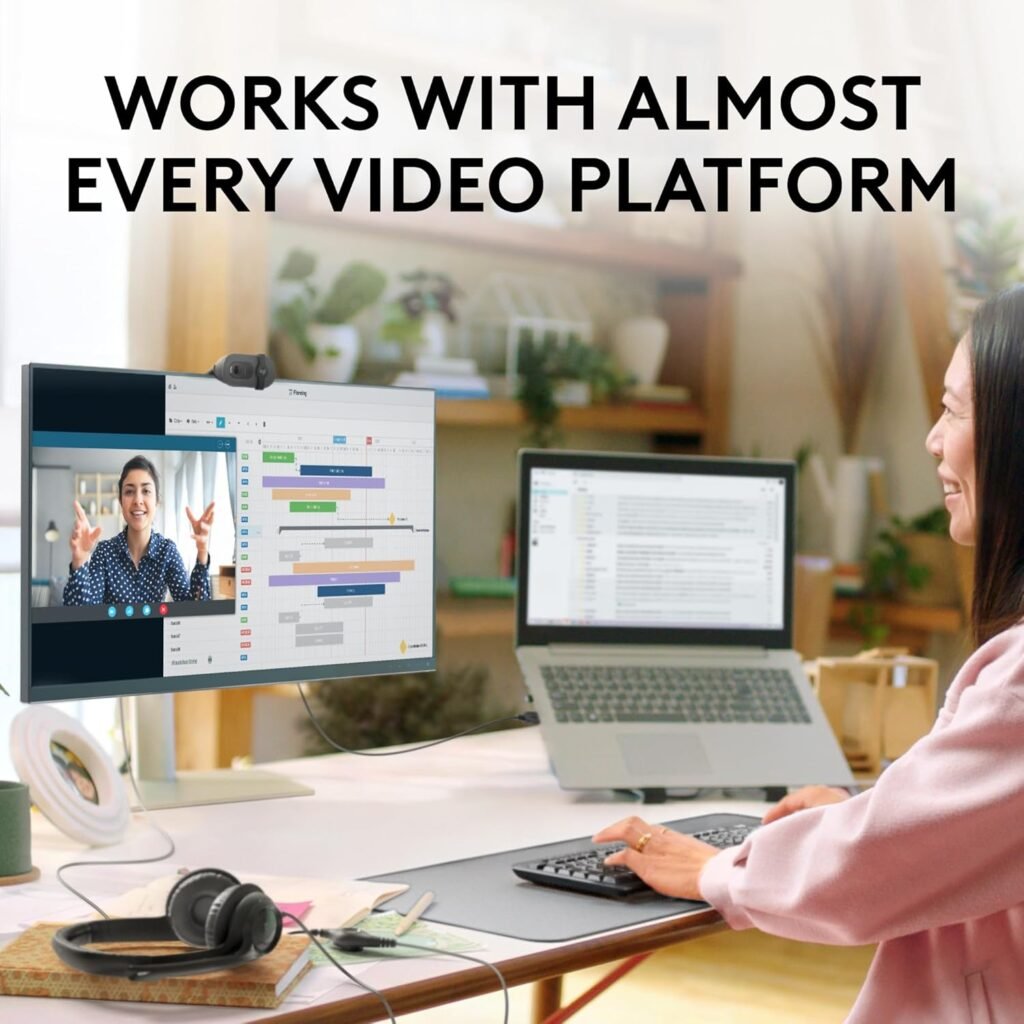
Why You Don’t Need an Expensive Camera
Many people think:
“If I want to look professional, I need a 4K camera.”
That’s not true.
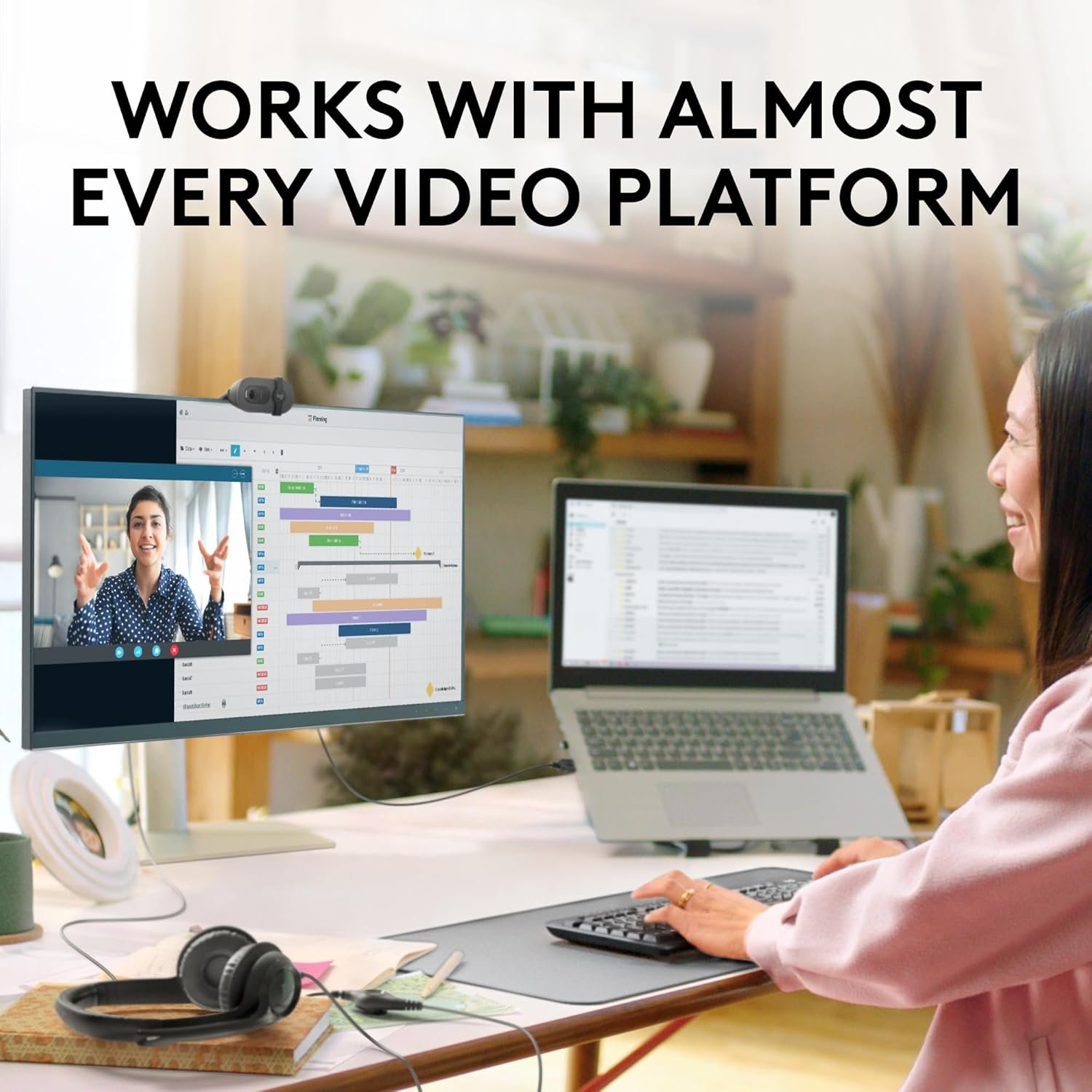
For meetings on platforms like:
- Zoom
- Google Meet
- Microsoft Teams
1080p resolution is more than enough.
Even for streaming on:
- YouTube
- Twitch
A good Full HD webcam can deliver excellent results if your lighting and internet are decent.
So instead of chasing expensive specs, let’s understand what truly matters.
What Makes an Affordable Webcam for Meetings and Streaming Worth Buying?
When I buy tech products, I always ask:
- What problem is this solving?
- Do I really need premium features?
- Will this work with my current setup?
Here are the most important things to check.
1. Resolution – 720p vs 1080p
Resolution simply means how clear your video looks.
- 720p (HD) – Basic quality, okay for casual use
- 1080p (Full HD) – Best balance between price and quality
- 4K (Ultra HD) – Expensive and usually unnecessary
For most people, 1080p is the sweet spot.
2. Frame Rate (FPS)
FPS means frames per second.
- 30fps → Smooth enough for meetings
- 60fps → Better for gaming or fast movement
If you’re only attending meetings, 30fps is perfectly fine.
3. Autofocus vs Fixed Focus
This is something beginners often ignore.
- Autofocus adjusts when you move
- Fixed focus stays at one distance
If you sit in one position, fixed focus is okay.
If you move around or show objects on camera, autofocus helps.
4. Low-Light Performance
Let’s be honest — not everyone has studio lighting.
A good budget webcam should include:
- Automatic light correction
- Decent image sensor
- Basic HDR support
Even affordable models now include smart brightness adjustments.
5. Built-in Microphone Quality
Most affordable webcams come with built-in microphones.
They are fine for:
- Office meetings
- Online classes
- Casual streaming
But if you want better sound, I recommend a separate USB mic.
Best Affordable Webcam for Meetings and Streaming (Trusted Options)
Here are reliable and budget-friendly models.
1. Logitech C270
Budget-friendly and reliable.
Features:
- 720p HD
- Built-in microphone
- Automatic light correction
Best for:
Basic use
Students
Casual meetings
2. Logitech C920
One of the most popular 1080p webcams.
Why I recommend it:
- Full HD 1080p
- Autofocus
- Clear audio
- Strong low-light performance
It’s affordable compared to premium 4K webcams and perfect for professionals.
3. HP 320 FHD Webcam
Good mid-range option.
- 1080p
- Plug-and-play
- Clean design
Ideal for work-from-home users.
4. Razer Kiyo
Slightly higher budget but worth mentioning.
Why?
It has a built-in ring light, which improves video quality without buying extra lighting.
How Much Should You Spend?
Here’s my simple recommendation:
- Basic meetings → Entry-level webcam
- Work-from-home professional → 1080p mid-range
- Beginner streaming → 1080p with good lighting
Don’t overspend if you don’t need 4K.
How to Improve Webcam Quality Without Spending More
Here’s what I personally do:
1. Sit Facing a Window
Natural light improves clarity instantly.
2. Raise Camera to Eye Level
It makes you look more confident.
3. Use Plain Background
Avoid clutter behind you.
4. Clean the Lens
Dust affects sharpness.
5. Close Background Apps
This improves performance.
Common Mistakes to Avoid
Forgetting lighting setup
Buying cheapest unknown brand
Ignoring customer reviews
Not checking compatibility (Windows/Mac)
Expecting DSLR quality from budget webcam
Webcam vs Laptop Camera – Which Is Better?
Most laptop cameras are:
- 720p
- Poor in low light
- Fixed position
An affordable external webcam gives:
- Better clarity
- Flexible positioning
- Improved lighting adjustment
Even a budget model can outperform built-in laptop cameras.
1. What is the best affordable webcam for meetings and streaming?
A 1080p webcam with autofocus and decent low-light correction like Logitech C920 is a great choice for most users.
2. Is 720p webcam enough for office meetings?
Yes, for basic meetings 720p works. But 1080p looks more professional.
3. Do I need a separate microphone?
For casual meetings, built-in mic is fine. For streaming, a separate USB microphone improves sound quality.
4. Can I use an affordable webcam for YouTube streaming?
Yes. With good lighting and stable internet, even budget 1080p webcams work well for YouTube.
Final Thoughts
An affordable webcam for meetings and streaming does not mean low quality. It means smart buying.
Focus on:
- 1080p resolution
- Decent lighting
- Stable internet
- Trusted brand
You don’t need the most expensive camera. You need the right one for your purpose.