USB Webcam for Meetings and Streaming Plug and Play
If you are searching for a USB webcam for meetings and streaming plug and play you probably want something simple. No complicated software. No technical setup. Just connect and start your meeting or live stream.
I understand this completely. When I bought my first webcam I did not want drivers extra cables or complicated installation steps. I just wanted to plug it into my laptop and join my meeting on Zoom without stress.
I Will explain:
- What plug-and-play really means
- Which features matter most
- Best models you can consider
- How to set it up properly
- Common mistakes to avoid
- How to improve quality without spending more
Let is break everything down in simple terms.
What Does Plug and Play Actually Mean?
Plug and play means:
Ready to use in seconds
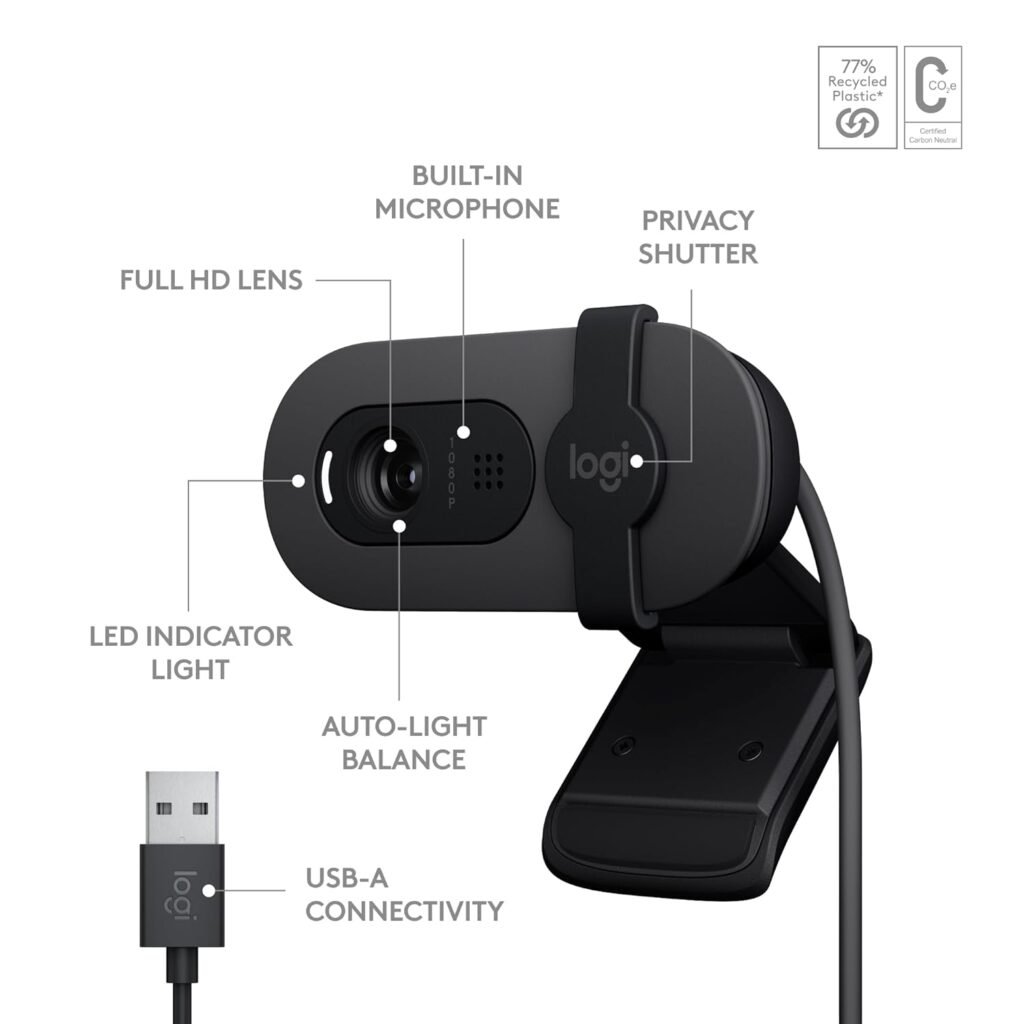
Connect the webcam to your USB port
Your computer automatically detects it
No driver installation needed
Why Choose a USB Webcam for Meetings and Streaming Plug and Play?
Let me ask you:
- Do you attend daily online meetings?
- Do you stream occasionally on YouTube or Twitch?
- Do you want better quality than your laptop camera?
If yes then a plug-and-play USB webcam is perfect.
Here is why:
Affordable compared to DSLR setup
Easy setup
Works with Windows and Mac
No technical knowledge required
Portable and lightweight
Key Features to Look For
Even though it is plug and play not all webcams are equal. Let is look at the important features.
1. Resolution – 720p, 1080p or 4K?
Resolution determines how sharp your video looks.
- 720p → Basic quality
- 1080p → Best balance for meetings and streaming
- 4K → Premium quality
For most people, 1080p is the best choice.
Even platforms like Google Meet and Microsoft Teams compress video, so 4K is not necessary for meetings.
2. Frame Rate (FPS)
FPS means frames per second.
- 30fps → Smooth for meetings
- 60fps → Better for streaming and gaming
For office use 30fps is more than enough.
3. Autofocus vs Fixed Focus
Autofocus adjusts automatically when you move.
Choose autofocus if:
- You move around
- You show products on camera
- You change position often
Fixed focus is okay if you sit in one place.
4. Built-in Microphone
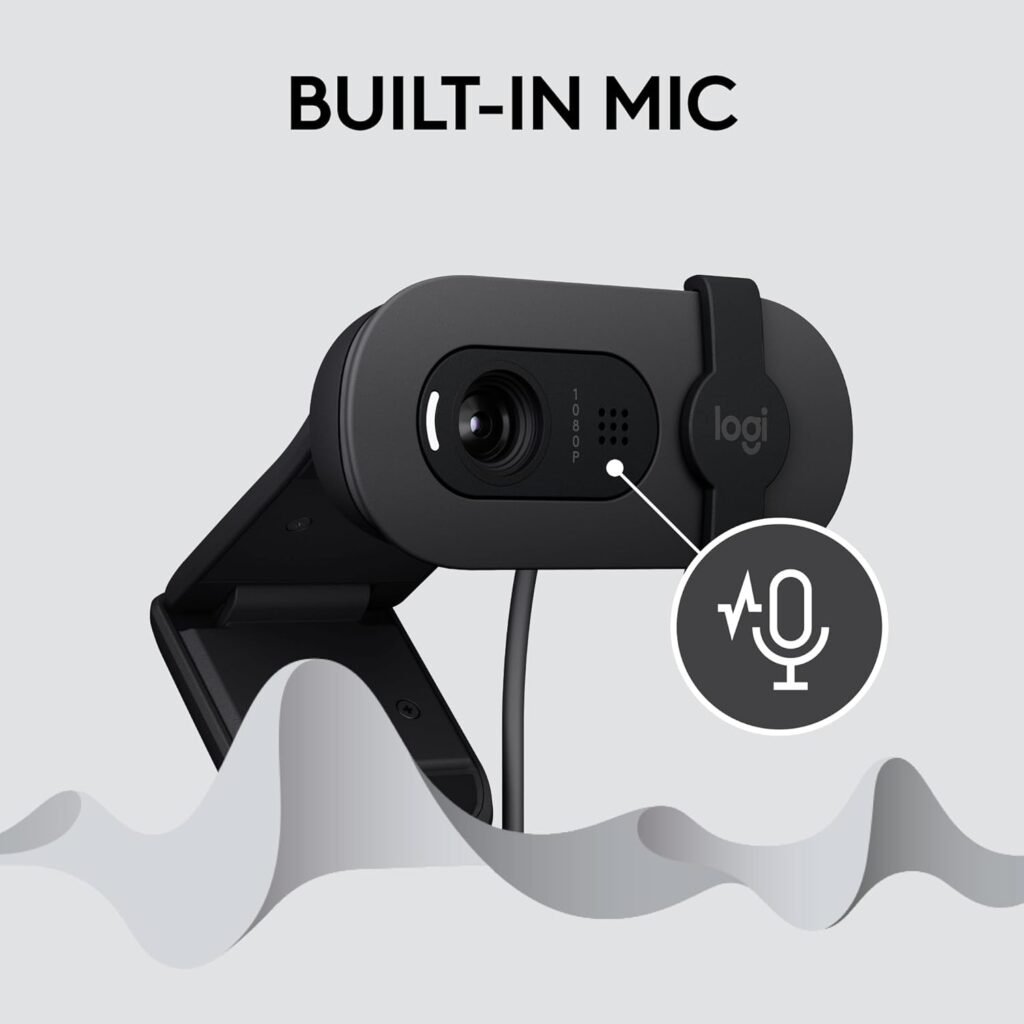
Most USB webcams include a microphone.
It works well for:
- Online classes
- Office meetings
- Casual video calls
But for serious streaming, consider a separate USB mic
5. Low-Light Performance
Many people attend meetings in rooms with soft lighting.
Look for:
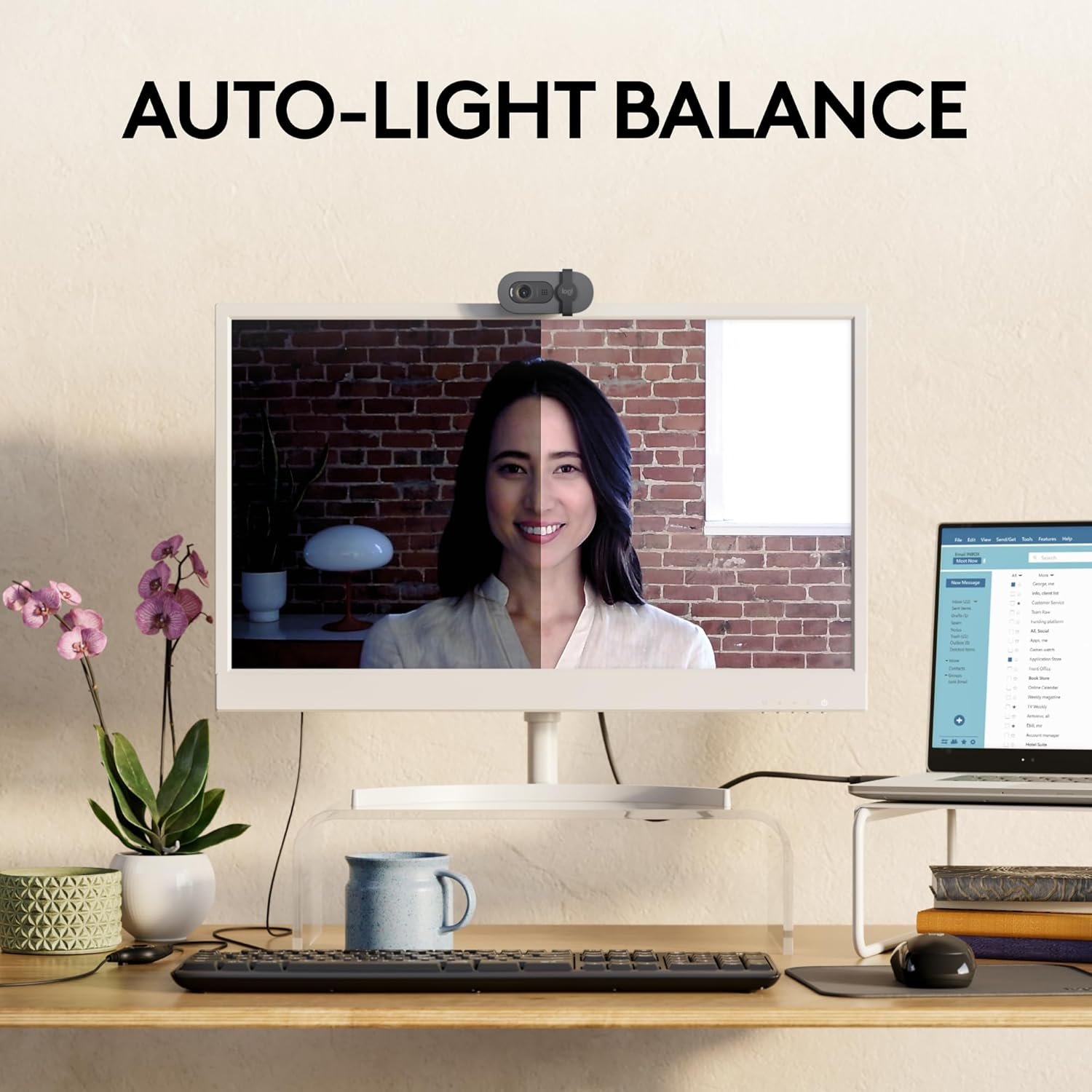
- Automatic light correction
- HDR support
- Larger image sensor
Good lighting improves quality more than expensive cameras.
Best USB Webcam for Meetings and Streaming Plug and Play (Trusted Models)
Here are some reliable options.
1. Logitech C920
One of the most trusted 1080p webcams.
Why it is popular:
- Plug and play
- 1080p Full HD
- Autofocus
- Good low-light correction
Great for professionals and beginners
2. Logitech C270
Budget option.
- 720p HD
- Automatic light correction
- Simple setup
Perfect for students and casual users.
3. HP 320 FHD Webcam
Mid-range option.
- 1080p
- Clean design
- Easy compatibility
Ideal for work-from-home users.
4. Razer Kiyo
Good for streaming.
It includes a built-in ring light, which helps in low-light rooms.
How to Set Up Your Plug-and-Play Webcam
Here is how I set mine up:
Connect to USB Port
Use a direct USB port, not a loose hub if possible.
Wait for Auto Detection
Your system will recognize it automatically.
Open Meeting App
Open Zoom or Teams.
Go to Video Settings
Select your new webcam from the list.
Test Video and Audio
Check lighting and framing before joining.
That is it. No complicated setup.
How to Improve Quality Without Buying Expensive Gear
Here is what works for me:
- Sit facing a window
- Raise webcam to eye level
- Use plain background
- Close unnecessary apps
- Clean lens regularly
Simple changes = big difference.
Internet Speed Requirements
Before streaming, check your upload speed.
Recommended:
- 720p → 1.5 Mbps
- 1080p → 3–5 Mbps
- 4K → 15+ Mbps
Even Zoom performs better with stable internet.
Common Mistakes to Avoid
- Buying unknown cheap brands
- Ignoring reviews
- Expecting DSLR quality
- Sitting in dark room
Using weak internet connection
1. What does plug and play mean in USB webcam?
It means you can connect the webcam to your computer and start using it without installing drivers.
2. Is USB webcam better than laptop camera?
Yes. USB webcams usually offer better resolution, autofocus, and improved light correction.
3. Do I need 4K webcam for meetings?
No. 1080p is more than enough for most video meetings.
4. Can I use plug-and-play webcam for streaming?
Yes. Most 1080p USB webcams work perfectly for YouTube and Twitch streaming.
A USB webcam for meetings and streaming plug and play is perfect if you want simplicity and reliability.
You don’t need complex equipment. You don’t need technical skills.
You just need:
- 1080p resolution
- Decent lighting
- Stable internet
- A trusted brand
That’s enough to look professional and confident in every meeting or stream.