Best Wireless Dongle with All SIM Network Support
If you are searching for the best wireless dongle with all SIM network support, you are probably asking the same questions I once had:
- What exactly is a wireless dongle?
- Will it work with my SIM card?
- Is it better than mobile hotspot?
- Which one should I buy?
- How do I avoid wasting money?
When I first looked for a portable internet solution I was confused by technical words like LTE bands CAT4, unlocked devices, and hotspot mode. But once I understood the basics, choosing the right device became simple.
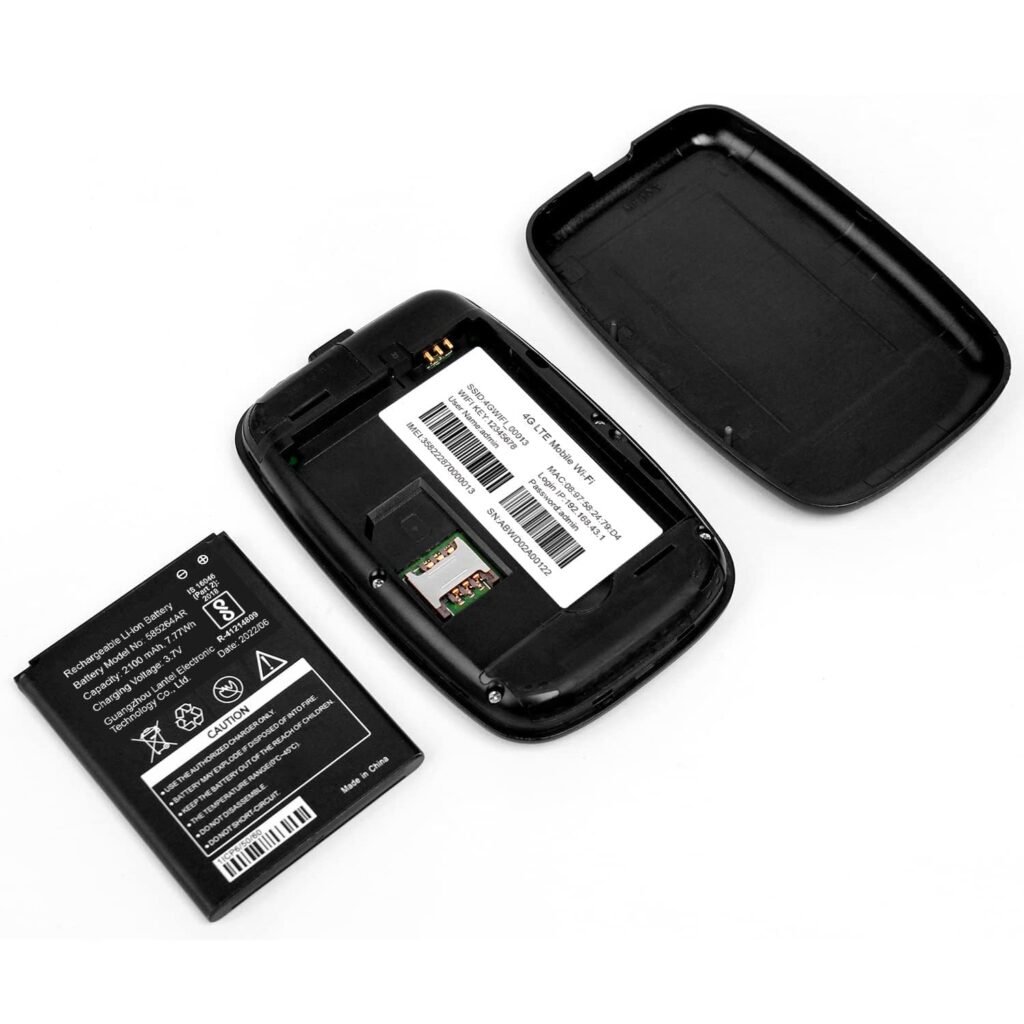
What Is a Wireless Dongle?
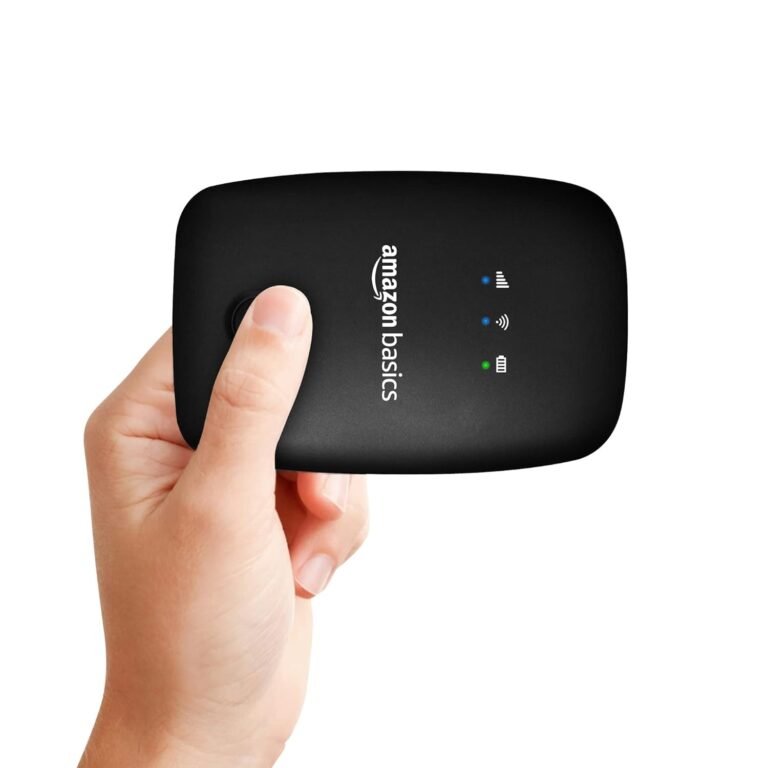
A wireless dongle is a small USB device that gives internet access to your laptop or desktop using a SIM card.
It connects to mobile networks the same way your smartphone does.
The technology behind this is called LTE (Long Term Evolution), which is a standard for high-speed wireless communication.
How Does It Work?
Here is how I use mine:
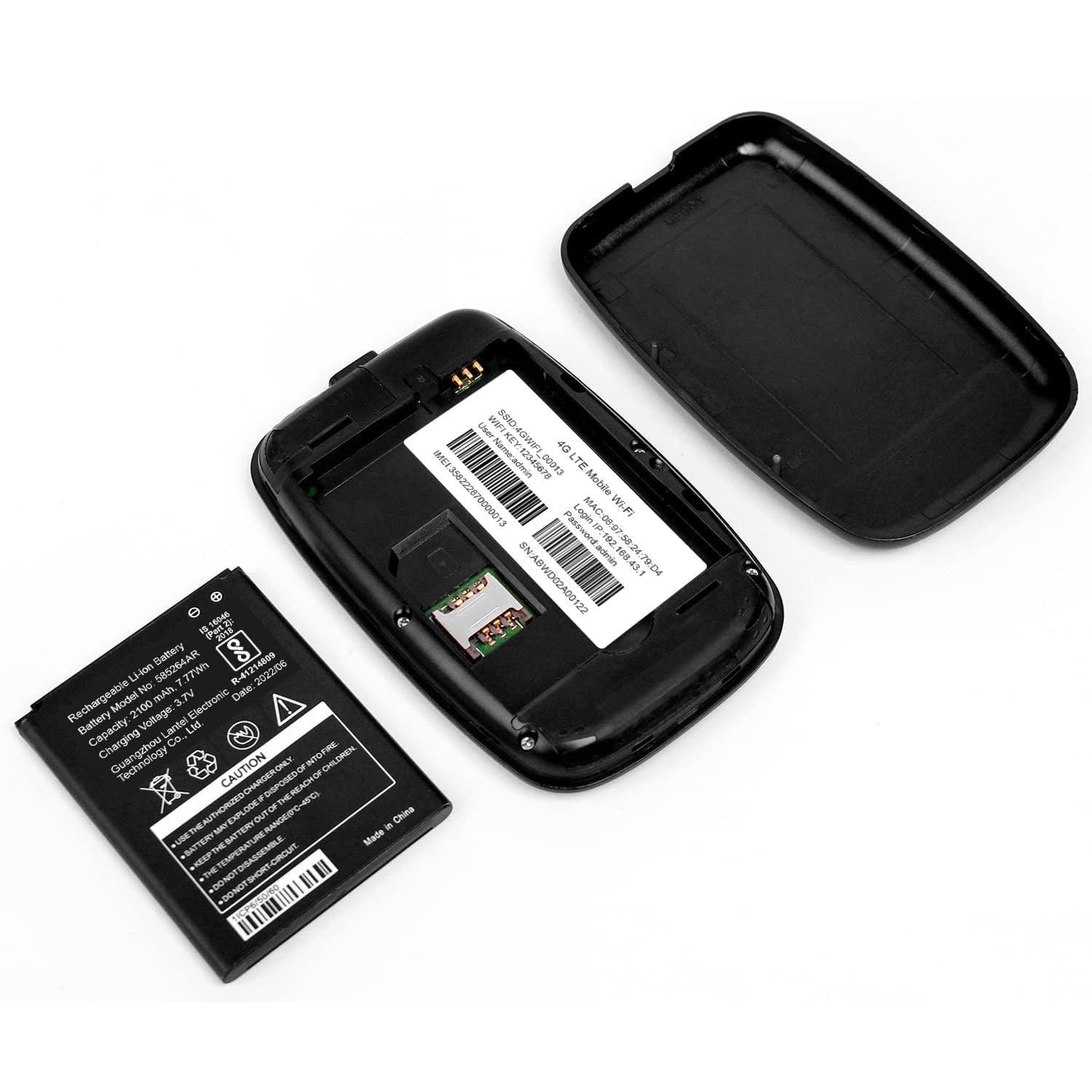
- Insert a 4G SIM card into the dongle.
- Plug it into my laptop’s USB port.
- The device connects to the nearest mobile network tower.
- Internet starts working within seconds.
No technician. No broadband wiring. No router installation.
All SIM Network Support?
Good question.
Most people want:
- Internet while traveling
- Backup internet at home
- Portable connection for work
- A solution in areas without fiber broadband
But the most important part is “all SIM network support.”
That means the dongle should work with:
- Airtel
- Jio
- Vi (Vodafone Idea)
- BSNL
- Other regional operators
This gives you freedom to switch networks anytime.
What Does “All SIM Network Support” Really Mean?
Many beginners think “all SIM support” means any SIM will work automatically.
That is not always true.
The dongle must support the correct LTE frequency bands used in your country.
- Band 3
- Band 5
- Band 40
If a dongle does not support these bands, you may experience slow speed or no signal.
So when choosing the best wireless dongle with all SIM network support, always check:
Is it compatible with your SIM provider?
Is it unlocked?
Does it support major LTE bands?
Key Features to Look for Before Buying
When I compare devices, I follow a simple checklist.
You can use this too.
1. Unlocked Device
Always buy an unlocked dongle.
Locked devices are tied to one network provider. That limits your flexibility.
An unlocked device allows you to:
Use prepaid or postpaid plans freely
Change SIM cards anytime
Switch networks if signal is weak
2. LTE Speed Category
Most dongles come in different LTE categories:
- CAT4 – Up to 150 Mbps
- CAT6 – Up to 300 Mbps
For regular users (browsing, YouTube, Zoom), CAT4 is more than enough.
3. Plug-and-Play Setup
The best wireless dongle with all SIM network support should:
- Install drivers automatically
- Support Windows and macOS
- Require minimal setup
You don’t want technical headaches.
4. WiFi Sharing (Optional but Useful)
Some advanced models can create a mini WiFi hotspot.
This means:
- Multiple devices can connect
- You can share internet with family
- Useful for travel
If you only use a laptop, USB-only models are fine.
5. Compact and Durable Design
Since this is a portable device:
- It should fit in your pocket
- The USB connector should be strong
- It should not overheat easily
Travel-friendly design matters.
How Fast Is a Wireless Dongle?
Speed depends on:
- Network coverage
- Signal strength
- Network congestion
- Data plan
In good conditions, you can expect:
- 10 to 40 Mbps download
- 5 to 15 Mbps upload
That is enough for:
- HD streaming
- Video calls
- Online classes
- Social media
If you want technical comparison about broadband vs wireless speeds, you can read resources from the Federal Communications Commission.
Wireless Dongle vs Mobile Hotspot – Which Is Better?
Mobile Hotspot
Pros:
- No extra device
- Easy to use
Cons:
Reduces phone lifespan
Battery drains fast
Phone heats up
Calls interrupt internet
Wireless Dongle
Pros:
- Dedicated device
- More stable connection
- No battery drain on phone
- Better for long work sessions
If you use internet for long hours, a dongle is more reliable.
Who Should Buy the Best Wireless Dongle with All SIM Network Support?
You should consider buying one if you are:
- A student attending online classes
- A remote worker
- A digital nomad
- A frequent traveler
- Living in rented accommodation
- Needing backup internet
It’s especially useful in areas where broadband installation is difficult.
How to Choose the Right One
Check Network Coverage in Your Area
Before buying, ask:
- Which network is strongest in my area?
- Do I travel frequently?
Check SIM provider coverage maps.
Compare Reviews
Look for:
- Heating issues
- Stability feedback
- Real user experience
- Warranty support
Avoid unknown brands without service centers.
Compare Price vs Features
Do not buy the cheapest blindly.
Instead, ask:
Does it offer warranty?
Does it support major LTE bands?
Is it unlocked?
Choose the Right Data Plan
Even the best wireless dongle with all SIM network support will not perform well with a poor data plan.
Choose:
Reliable 4G speeds
1.5GB per day or higher
Good coverage in your area
Security Benefits of Using a Personal Dongle
Public WiFi can be risky.
Cybersecurity experts warn about unsecured networks. You can learn more from Cybersecurity and Infrastructure Security Agency.
Using your own SIM-based internet:
Is safer for banking and office work
Reduces hacking risk
Keeps your browsing private
Common Mistakes Beginners Make
I made these mistakes initially. You don’t have to.
- Buying locked device
- Ignoring LTE band compatibility
- Choosing cheapest unknown brand
- Not checking warranty
- Ignoring overheating issues
Avoid these, and you’ll save money.
1. Which is the best wireless dongle with all SIM network support?
The best one is unlocked, supports major LTE bands, offers stable CAT4 speed, and comes with warranty and good reviews.
2. Can I use any SIM card in a wireless dongle?
Yes, if the dongle is unlocked and supports required LTE frequency bands.
3. Is a wireless dongle better than broadband?
For portability and backup internet, yes. For heavy downloading and gaming, broadband is better.
4. Does a wireless dongle work without WiFi?
Yes. It connects directly to mobile network using a SIM card.
If you are looking for reliable portable internet, choosing the best wireless dongle with all SIM network support is a smart investment.
It gives you:
- Flexibility
- Portability
- Security
- Convenience
Just remember:
- Always buy unlocked
- Check LTE band compatibility
- Read reviews carefully
- Choose the right data plan